Hot Lunch Program
How Clay Tree helps participants
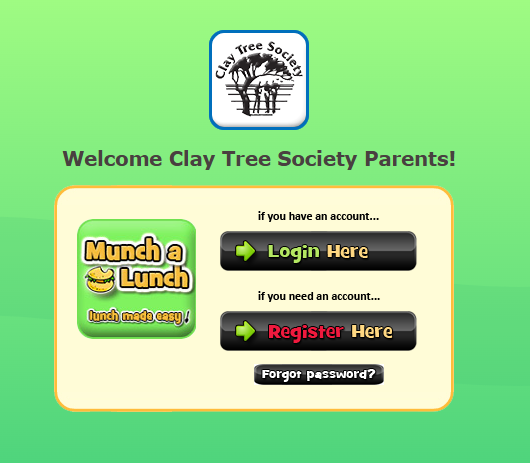
Munch a Lunch is an online Hot Lunch ordering program that helps us track and manage the program in way that’s easier for everyone.
Please note that the Munch a Lunch website has been redesigned! If you have any questions, please call or email us.
Parents and caregivers that already have accounts have been set up with the new system. If this is your first time ordering, you will need to create an account as a parent/caregiver. As Munch a Lunch is designed for schools, you will need to add your participant(s) as a “child” – select “participant” from the Grade dropdown menu, then select their home room under the Division dropdown menu. Afterwards, you will be able to place your order.
There is only one meal option per day. Dairy-free, gluten-free, and pork-free information is included. If your participant has a dairy, gluten, or pork restriction and it is not listed, then do not order for that day as it may include the ingredient.
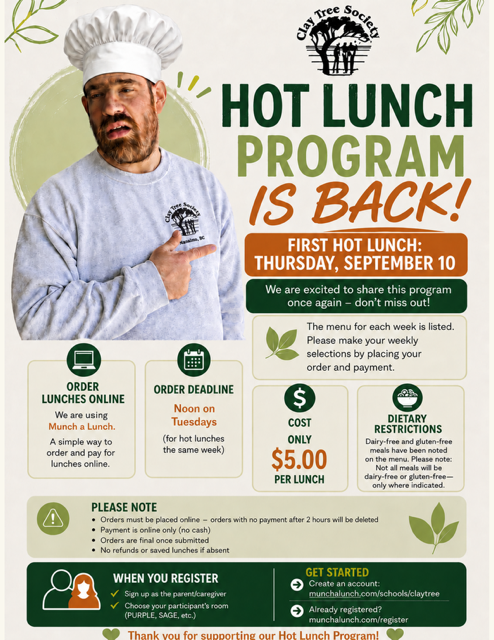
Lunches can be ordered all at once or weekly. Once you have chosen your lunch dates, you must pay within 2 hours or the system deletes the order.
Create an account at https://munchalunch.com/schools/claytree
Once you have created your account you can log in at https://munchalunch.com/login
838 Old Victoria Road,
Nanaimo, BC, V9R 6A1
Phone: 250.753.5322
Fax: 250.753.2749
Email: info@claytree.ca


